
Before you start
A save package contains one complete save. A memory card image contains a card file system and its saves. These are different inputs. Renaming a package to .ps2 does not turn it into a card.
You need a PSU, MAX, CBS, SPS, XPS or signed PS2 PSV package, plus a standard 8 MiB card image. PS2STK can also create an empty card. Keep a backup of your original files.
Not sure what you have? Read PS2 save formats explained.
Import the save
- Open a destination card.
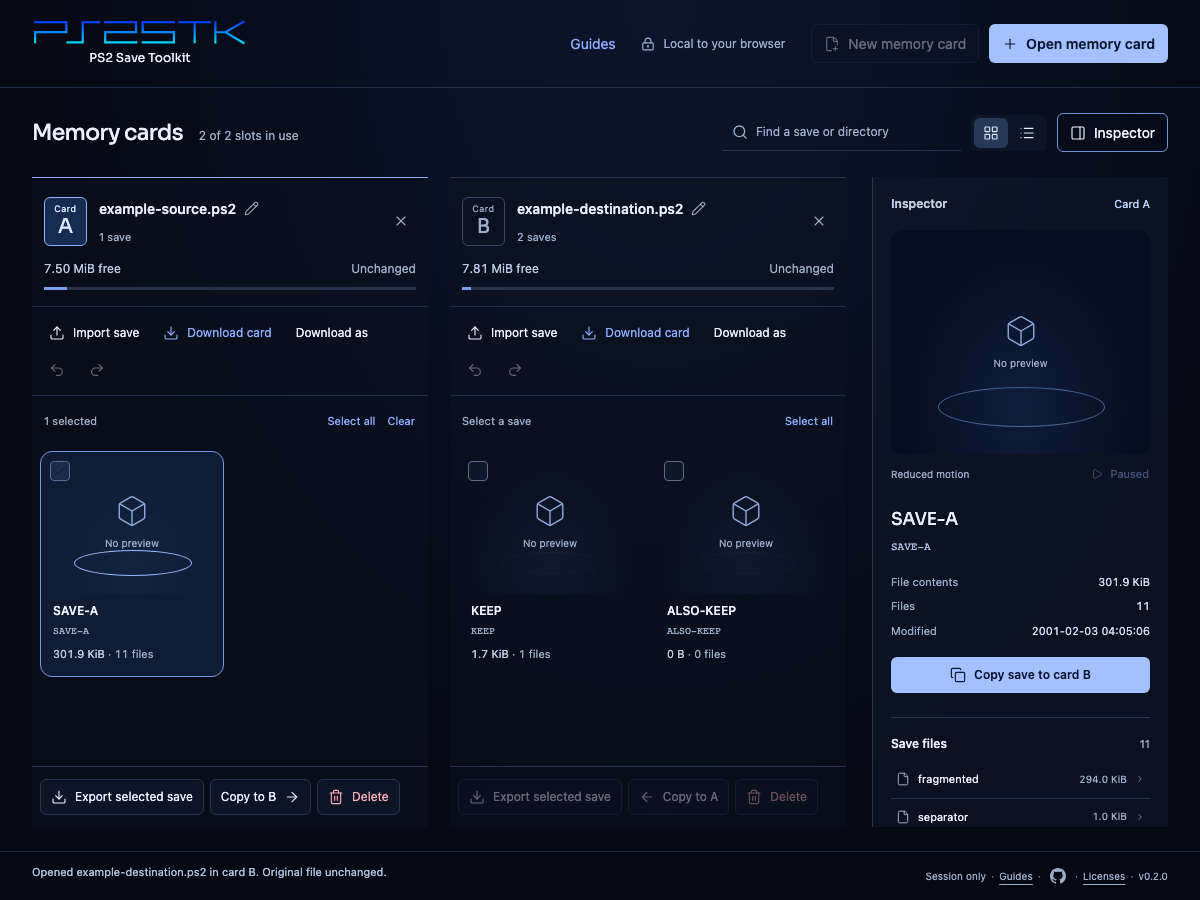
In the toolkit, choose Open memory card and select your card image. To start with an empty card, choose New memory card instead.
- Choose the package.
Use Import save on the destination card. Select a package or a ZIP or RAR archive containing packages. If an archive contains several packages, choose one and use Review save. PS2STK detects package formats from their contents.
- Review before applying.
Check the destination, save name, space needed, and any warnings. Expand Files to check file names and sizes. If the same save directory already exists, Skip keeps it. Replace entire save removes the whole destination save, including files absent from the package. Files are not merged.
- Apply the import.
Choose Import save, or Replace entire save if you selected replacement. A successful import is one Undo step on the destination card.
- Download your card.
Choose Download card to keep the displayed filename, or Download as to choose a card extension. Keep the downloaded result separately from your backup.
Download before leaving. Cards and edits stay in browser memory. Refreshing or closing the toolkit discards them. Original input files stay unchanged.
If the import stops
- Not enough space: free space on the destination or use another card. The check includes directory space.
- Unsupported structure: packages with nested folders cannot be imported. Do not flatten them by hand. Keep a complete card image or use a tool that supports their structure.
- Invalid package or signature: obtain an intact source file. Changing its extension does not repair it.
- Unsupported archive: encrypted or split archives, ZIP64, RAR7 compression, raw save folders and nested archives are unsupported. Extract a supported save package with your archive tool, then import that package.
A failed import leaves the card and its history unchanged. Skip also makes no edit. If you change or replace the destination during review, start the import again.
Import support does not prove that a game will load the save. Game and region differences can matter. PCSX2, MemCard PRO2 and PS3 game-load validation remains pending.